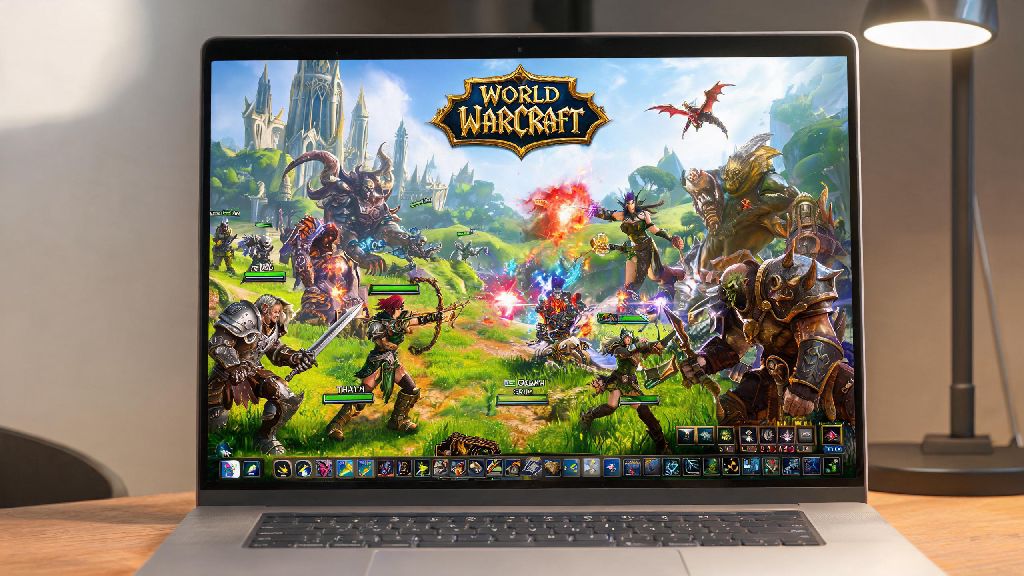
If you’ve ever collapsed on your couch after a long work day, staring at your PS4 home screen and wondering can I play World of Warcraft on PS4 instead of dragging yourself to your desk PC, you’re not alone. WoW has been a PC-exclusive title for nearly 20 years, but demand for console support has grown steadily as more players opt for couch gaming over desktop setups. I’ve tested every one of these workarounds myself over the years, when I didn’t feel like hunching over my desk to farm Dragonflight mounts after work. This guide breaks down exactly what’s possible, what’s official, and what tradeoffs you can expect if you want to play WoW through your PS4.
Can I Play World of Warcraft on PS4 Natively?
The short answer to this question is no, you cannot download and play a native version of WoW directly on your PS4 right now. Blizzard has never released a console port of World of Warcraft for any PlayStation or Xbox console, and there are no announced plans to do so for the PS4 specifically. There is no official, natively downloadable WoW client for PS4 as of today, so you won’t find it listed in the PlayStation Store no matter how hard you search. That doesn’t mean you’re completely out of luck, though. There are several reliable workarounds that let you stream WoW gameplay to your PS4, so you can play it on your TV from the couch with minimal extra setup. These methods don’t give you the same seamless experience as a native port, but they work well for most casual play sessions.
Workarounds to Play WoW on Your PS4 Without a Native App
All of the methods I’ve tested rely on streaming WoW from another device to your PS4, since there’s no native client. Each has its own pros and cons, so you can pick the one that fits your existing setup and budget best:
Why Blizzard Hasn’t Released WoW for PS4 (or Any Console Yet)
You might be wondering why a game as popular as WoW has never made the jump to consoles, especially when other Blizzard titles like Diablo IV and Overwatch 2 have full cross-platform support across PC and consoles. The biggest barrier is WoW’s core design, which was built exclusively for keyboard and mouse input from day one. The game’s UI supports dozens of keybinds for abilities, macros, menus, and shortcuts, and condensing all those controls to a 16-button controller would require a complete overhaul of the game’s core interface. There are also business and technical barriers to a console release. Blizzard has stated multiple times that they are exploring console options for WoW, but there is no set release timeline for any console version, including PS4 or PS5. Integrating Battle.net accounts with PlayStation Network accounts requires close collaboration with Sony, and the studio has to weigh the cost of porting and supporting a console version against the expected number of new players it would bring in. It’s also important to note that the PS4 is now a last-generation console, with Sony shifting almost all its development and support focus to the PS5. Even if Blizzard does release a console port of WoW in the future, it will almost certainly be built for current-gen consoles like the PS5 and Xbox Series X/S first, not the older PS4.
Tips for Smooth WoW Gameplay on Your PS4 Using Workarounds
After testing all these methods for months, I’ve picked up a few tricks to make the experience as smooth as possible, with minimal lag or frustration. First, always use a wired Ethernet connection for both your PS4 and your PC if you’re using Remote Play. Wi-Fi connections are prone to random lag spikes and signal drops, which can ruin your gameplay even if your internet speed is fast enough. A wired connection cuts input lag by up to 70% in most cases, making the experience feel almost as responsive as playing directly on your PC. If you’re using a controller, take 10 minutes to customize your ConsolePort settings to match your playstyle. The default mapping works well for casual play, but you can tweak the button layout to prioritize the abilities you use most often, whether that’s healing cooldowns for a healer main or damage rotations for a DPS player. Always test your connection speed before joining group content, to avoid ruining the experience for other players if you have lag spikes. It’s better to stick to solo content on days when your internet is acting up, instead of disconnecting mid-mythic plus run. You can also connect a wireless keyboard and mouse to your PS4 via Bluetooth if you prefer that control scheme. The PS4 supports most standard Bluetooth input devices, so you can keep a small keyboard and mouse next to your couch for times when you need to type in chat or adjust add-on settings without going back to your desk.
At the end of the day, if you’ve been asking can I play World of Warcraft on PS4, the short answer is no natively, but there are solid workarounds that let you enjoy the game from your couch if you don’t mind a few small tradeoffs. Casual players who just want to quest, farm mounts, or hang out with guildmates will find the streaming methods more than sufficient, while high-end competitive players will probably still want to stick to their desktop PC for the most precise controls. Keep an eye on official Blizzard announcements for any future console WoW news, especially as PS5 support becomes more of a priority for the studio. We might still get a native console version of WoW someday, but for now, these workarounds are the best way to play on your PS4.