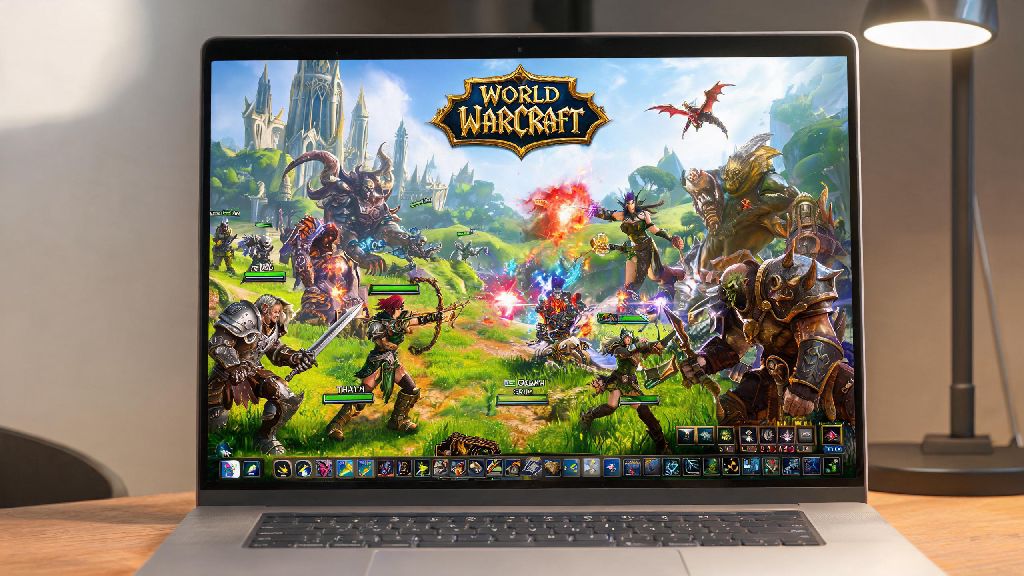
If you’ve ever found yourself stuck waiting for your desktop to free up, or wanted to grind rep during a long work trip, you’ve probably wondered can a laptop run world of warcraft. WoW is famously more accessible than most modern AAA titles, but that doesn’t mean every budget or old laptop will handle it without a few adjustments. I’ve tested WoW on over a dozen laptops over the last six years, from 10-year-old budget Chromebooks to high-end gaming portables, so I’ve got a clear idea of what works, what doesn’t, and how to get the best performance no matter what hardware you have.
Can a Laptop Run World of Warcraft: Official Minimum and Recommended Requirements
Blizzard keeps WoW’s system requirements pretty forgiving to make sure as many players as possible can access each new expansion, but they do update them slightly every few years to match new graphical features. The latest requirements for The War Within expansion work for all current WoW content, including Dragonflight legacy content and new open-world zones. You don’t need top-tier hardware to hit playable frame rates, but it helps to know what you’re working with before you spend 80GB downloading the game.
Minimum requirements (1080p low, 30fps) are for casual players who only do world quests, pet battles, or low-key guild hangouts. You’ll need a 4-core CPU from 2017 or later, 8GB of RAM, and either an integrated Intel UHD 630 graphics chip or a 10-year-old dedicated GPU like the GTX 560. I ran WoW on a 2018 laptop with these exact specs for two years, and it worked fine for casual play, though it stuttered a lot in crowded capital cities.
Recommended requirements (1080p high, 60fps) are for players who do mythic dungeons, casual raiding, or battlegrounds. You’ll need a 6-core CPU from 2019 or later, 16GB of RAM, and a dedicated GPU like the GTX 1650 or RX 560. This setup will give you consistent frame rates even in 25-man raids, with no stutter when large spell effects go off.
4K/max settings requirements (4K 60+fps) are for players who want the best possible visual experience, or who stream their gameplay while playing. You’ll need an 8-core CPU from 2021 or later, 16GB of RAM, and a mid-range dedicated GPU like the RTX 3060 or RX 6600M. This setup will handle max settings even in the busiest open-world events, with no frame drops.
Key Laptop Specs That Impact WoW Performance The Most
Unlike most modern games, WoW is far more CPU-dependent than GPU-dependent, because it has to process thousands of player actions and environmental effects at once in crowded areas. That means a laptop with a better CPU will give you more consistent frame rates in raids and capital cities, even if the GPU is only mid-range. If you only upgrade one component of an old laptop to play WoW, go for a better CPU first if you can.
Your GPU still matters, of course, but you don’t need a top-tier gaming GPU to get great performance. Recent Intel Iris Xe or AMD Radeon 600M/700M integrated graphics chips are more than enough for 1080p medium settings at 40-50fps, which is great for casual play. If you want to run high settings or play at 1440p, look for a laptop with a dedicated GPU like the RTX 3050 or RX 6500M, which are affordable and more than powerful enough for WoW.
RAM and storage are often overlooked, but they make a huge difference in how enjoyable the game feels. 8GB of RAM will work if you close all background apps, but 16GB is the sweet spot, especially if you like to have Discord or a browser open for raid guides while you play. If you’re still running WoW off an HDD, switching to an SSD is the single biggest upgrade you can make, no matter what other specs you have. Load times drop from 2-3 minutes per zone to 10-20 seconds, and you won’t get those annoying stutters when a lot of new assets load in during big fights.
Easy Tweaks to Run WoW Smoothly on a Lower-End Laptop
Even if your laptop is below the official recommended specs, you don’t have to spend money on upgrades to get playable frame rates. I’ve used these tweaks to run WoW on everything from old work laptops to budget Chromebooks, and they almost always give a 10-20fps boost with minimal impact on how the game plays. You don’t have to turn all your settings down to zero to get a smooth experience, just focus on the changes that give you the biggest performance gain for the smallest visual loss.
You can also turn off ray tracing if your GPU supports it, since WoW’s ray tracing implementation is pretty resource-heavy for a small visual improvement. If you’re playing on a laptop with a 60Hz screen, you don’t need to chase 100+ fps anyway, capping your frame rate at 60 will save battery and reduce overheating. I always cap my frame rate when I’m playing on battery, and it extends my play time by almost an hour on my current gaming laptop.
Things to Consider If You’re Buying a New Laptop Specifically for WoW
The best part about WoW’s low system requirements is that you don’t have to spend a fortune to get a laptop that runs the game really well. I’ve seen budget $550 laptops with Ryzen 5 7000 series APUs run WoW at 1080p high settings at 60fps consistently, which is more than enough for most players. You only need to spend more if you want to play other more demanding games, or if you want to stream your gameplay while you play.
If you mostly play WoW on the go, look for a lightweight ultrabook with a Ryzen 7 7735U or Intel i5 13th gen chip, these have great integrated graphics and can get 6+ hours of play time on a single charge. They’re also quiet and don’t get too hot, which is perfect for playing in coffee shops or on long flights. If you want a gaming laptop that can handle WoW and other newer games, you can find options with RTX 4050 GPUs for around $800, which will run WoW at 1080p max settings at 120+fps even in the busiest zones.
Avoid laptops with less than 8GB of RAM and no SSD, no matter how cheap they are, you will run into constant stutters and long load times that make the game unenjoyable. Also don’t waste money on a top-tier RTX 4090 laptop just for WoW, you won’t see enough of a performance difference to justify the extra $1000+ cost. Save that money for a new WoW subscription or a nice mouse and keyboard instead.
At the end of the day, the answer to can a laptop run world of warcraft is almost always yes, as long as you’re willing to adjust settings to match your hardware. You don’t need top-of-the-line gear to enjoy questing, raiding, or hanging out with your guild, and small tweaks can make a huge difference even on older, lower-end machines. If you’re shopping for a new laptop, you don’t have to blow your budget either, since WoW’s forgiving system requirements mean even mid-range portable hardware will deliver a great experience for years to come.