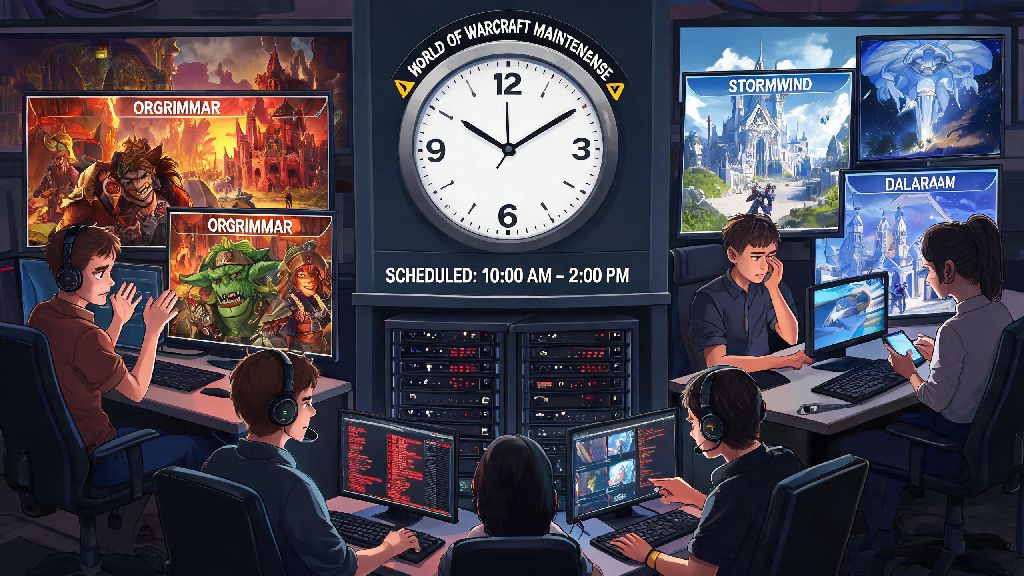
If you’ve ever sat down ready to run a Mythic+ dungeon, queue for rated PvP, or finish that last renown grind only to hit a login error or disconnected screen, you’ve probably asked why is World of Warcraft down. It’s one of the most frustrating experiences for players, especially if you had a scheduled raid night with your guild or a limited window to play after work. I’ve spent over 15 years playing WoW on and off, and I’ve lost count of how many times I’ve run into unexpected outages right when I had limited time to log on. This guide breaks down the most common causes, how to check if the problem is on Blizzard’s end or yours, and what you can do to fix it fast.
Why Is World of Warcraft Down? The Most Common Official Causes
The vast majority of widespread WoW outages tie back to official Blizzard activity, and most are planned in advance. The most frequent cause is weekly scheduled maintenance, which runs on Tuesdays for North American realms and Wednesdays for European realms, usually lasting between 4 and 8 hours. Blizzard typically announces these maintenance windows 3 to 7 days in advance via the Battle.net launcher, but it's easy to miss the notification if you don't log on for a few days.
Scheduled content patch or expansion drops also lead to extended downtime, often lasting 10 to 12 hours, as teams deploy massive file updates, server configuration changes, and bug fixes ahead of the new content going live. You’ll usually see multiple reminders about this downtime in the weeks leading up to a big patch, but it’s not uncommon for players to show up ready to play the new content only to find the servers still offline.
The third common official cause is unexpected widespread outages, which can stem from DDoS attacks, data center hardware failures, or unexpected software bugs that crash large portions of the server network. These are the most frustrating for players, as they usually hit during peak play hours like weekend evenings, and Blizzard can take anywhere from 15 minutes to several hours to resolve them, depending on the root cause. You won’t get advance warning for these outages, but Blizzard usually posts updates on official channels within 20 minutes of the issue being reported.
User-Side Issues That Can Look Like WoW Is Down
Not every login error means Blizzard’s servers are offline. In fact, around 30% of the time players think WoW is down, the issue is actually on their end, and it can be fixed in just a few minutes. The most common user-side issue is unstable home internet connectivity. If you’re on spotty Wi-Fi, or your ISP is running a local maintenance window, you might lose connection to WoW servers even if other apps seem to be working fine. Try switching to a wired ethernet connection if you can, or reset your router to rule this out first.
Another common issue is an outdated WoW client or Battle.net launcher. If you have auto-updates turned off, your client might not be compatible with the latest server version, leading to login errors that look exactly like server downtime. Open your Battle.net launcher, click the gear icon next to the WoW play button, and select “check for updates” to make sure you’re running the latest version of the game.
You might also run into account-specific issues that mimic server downtime. If your subscription lapsed, or your account got flagged for a temporary restriction, you’ll get a login failed error that doesn’t explicitly explain the account issue. Check the email tied to your Blizzard account for any notifications about subscription renewals or account actions before you assume the servers are offline.
How to Confirm If WoW Servers Are Actually Down
Before you start troubleshooting your own setup, it’s smart to rule out server-side issues first. I always go through these 3 quick steps first when I can’t log in, and they save me a ton of time messing with my router when the problem isn’t even mine to fix:
So far, this process has saved me from calling my ISP over a Blizzard DDoS attack at least 4 times in the last two years. If all three sources say servers are up and running, then you can start troubleshooting your own setup to find the issue.
What to Do While WoW Servers Are Down
Once you confirm WoW is actually down, there’s no use refreshing the login screen every 30 seconds. I’ve come up with a few go-to ways to use the downtime that don’t feel like a waste of my limited play time, and they make the wait feel a lot shorter. First, sort out your addons and WeakAuras. This is the perfect time to delete outdated addons you don’t use anymore, update the ones you keep, and tweak your WeakAuras to work better for your class’s current build. I usually save this task for downtime, since it’s tedious to do when I could be running content.
You can also plan out your next in-game goals. If you were about to work on a reputation grind, look up the most efficient quest routes, or map out which pieces of gear you need to target in your next raid or Mythic+ run. I keep a small note on my desk with my current WoW goals, and downtime is the perfect time to update it and adjust my priorities based on the latest patch changes.
If the outage is going to last longer than an hour, you can also take the chance to step away from your desk. I usually grab a snack, stretch my legs, or knock out a quick chore I’ve been putting off, so I don’t feel like I wasted the whole evening waiting for servers to come back. I’ve also had some really fun guild Discord calls during extended outages, where we share old raid stories or plan out our next guild event. It’s a great chance to connect with people you usually only talk to while running dungeons.
Next time you're staring at a login error or disconnected screen and wondering why is World of Warcraft down, you don't have to waste time guessing what the problem is. Start by checking the official status sources to rule out server-side issues, then run through a few quick user-side checks if the servers are listed as up. Even if you have to wait for servers to come back online, you can use the time to prep for your next play session so you can jump right back in when everything is working again. WoW outages are never fun, but knowing what to do when they happen takes a lot of the frustration out of the experience.