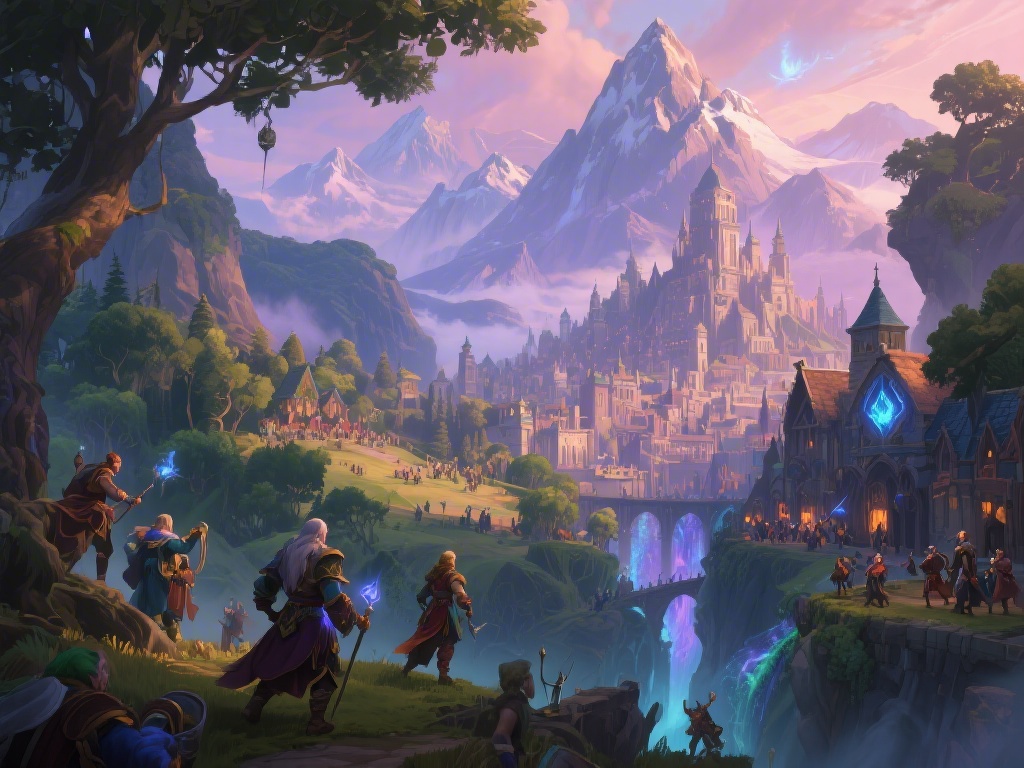
I still remember logging on to WoW for the first time in 2007 and being blown away by how sharp the Orgrimmar spires looked on my old CRT monitor. When I logged on last year to try Dragonflight, I could barely recognize the city, with dynamic torches lighting up the stone walls and grass swaying in the valley breeze. If you’re a returning player who hasn’t touched the game in 5, 10, or even 15 years, you’ve probably asked yourself, has world of warcraft graphics improved enough to justify coming back? I’ve tested every expansion’s visual updates on everything from a budget laptop to a high-end gaming PC, so I can break down exactly what’s changed, what hasn’t, and how to get the best look for your setup.
Has World of Warcraft Graphics Improved? A Look at Major Engine Overhauls
WoW hasn’t gotten a full game engine replacement since it launched in 2004, but Blizzard has rolled out dozens of incremental engine updates that add up to a massive visual difference. The first big overhaul came with Cataclysm in 2010, when the team rebuilt every original vanilla zone from scratch, adding higher resolution terrain and more detailed environment assets. Later expansions brought even bigger changes, with Legion adding revamped particle effects for spells and combat, and Shadowlands adding official ray traced ambient occlusion support for the first time.
Dragonflight, released in 2022, brought the biggest visual upgrade to date. The team updated the core lighting engine, added dynamic water physics that reacts to player movement and weather, and rolled out higher resolution textures for nearly all new armor, weapon, and mount assets. The War Within, 2024’s expansion, built on that foundation by adding dynamic weather that accumulates on player characters and improved draw distances for open world zones. These updates don’t just look good – they run surprisingly well, even on mid-range hardware that’s 3 or 4 years old.
You won’t see the same level of graphical fidelity as brand new AAA single-player games, of course. The original engine’s limits mean WoW will never have hyper-realistic character models or fully destructible environments. But the upgrades stay true to the game’s iconic cartoonish art style, while making the world feel far more alive than it did in early expansions.
Key Visual Changes You’ll Notice Right Away In-Game
If you log on for the first time in years, you’ll pick up on dozens of small visual tweaks within the first 10 minutes of playing. Some changes are obvious, like the fully revamped character models that replaced the original blocky faces and low-poly bodies back in 2014. Others are more subtle, but add up to a way more immersive experience.
The most noticeable improvements for casual players include:
- High-poly character models with customizable facial scars, piercings, and dynamic expressions that match in-game emotes
- 4K resolution support for armor, weapon, and mount textures, with no blurry edges even on high-end 1440p or 4K monitors
- Dynamic weather effects that interact with your character, like rain dripping off plate armor or snow sticking to cloth robes
- Ray tracing support for shadows, ambient occlusion, and reflections that make dark dungeons and open zones feel far more immersive
Mount visual effects are another big change you’ll spot almost immediately. Dragonriding mounts, introduced in Dragonflight, have individual scale details that catch the light differently depending on the time of day, and their wing movements leave visible particle trails when you fly at top speed. Even older ground mounts have gotten small texture touch-ups over the years, so your classic Swift Spectral Tiger looks sharper than it did in Burning Crusade.
What Parts of WoW Haven’t Gotten Graphic Updates Yet
For all the improvements, Blizzard hasn’t gone back to update every single piece of old content in the game. The team prioritizes updates for content new and returning players are most likely to interact with first, so older, less popular content still looks like it did when it launched. Last month I ran a Wrath of the Lich King timewalking dungeon, and I was shocked to see that the Lich King model in the Halls of Reflection still has the same low-poly face it did in 2009.
Low-poly NPCs from older expansions are the most obvious gap. If you run a vanilla dungeon like Blackrock Depths, most of the enemy models and environment textures are still their original 2004 versions. Some older armor sets also still have their original low-resolution textures, even if you transmog them on a new high-poly character model. You’ll also spot flat lighting and low-res terrain in less popular older zones like Outland and Mists of Pandaria’s Vale of Eternal Blossoms.
There are community-made workarounds for these gaps, like fan-made texture packs that upgrade old dungeon and armor assets. Just make sure any mods you use follow Blizzard’s UI and addon policy – cosmetic mods that only change visuals are almost always allowed, but any mod that gives you a gameplay advantage can get your account banned. It’s always better to double check before you install any third-party content.
How to Maximize WoW’s Graphics For Your Current Setup
You don’t need a $2,000 gaming PC to get the most out of WoW’s improved graphics. The game is optimized to run well on everything from budget laptops to high-end rigs, and small setting tweaks can make a huge difference in visual quality without tanking your frame rate. The first thing you should do after logging on is pull up the graphics settings menu and adjust the sliders to match your hardware.
If you have a mid-range PC built in the last 5 years, start by setting texture resolution to 10, dynamic lighting to high, and ambient occlusion to on. Textures have a surprisingly small impact on frame rate, so you can run them at max even on lower-end GPUs without dropping below 60 FPS. Turn down shadow quality and anti-aliasing first if you’re noticing frame drops, since those two settings have the biggest performance impact.
If you have a high-end PC with an RTX 20 series or newer GPU, turn on ray tracing for ambient occlusion and shadows, and enable DLSS if you have an NVIDIA card or FSR if you have an AMD card. These upscaling tools let you run the game at a lower internal resolution and upscale it to your monitor’s native resolution, so you get all the benefits of ray tracing without dropping below 100 FPS. If you play on a laptop, make sure you’re running WoW on your dedicated GPU instead of the integrated CPU graphics – that’s one of the most common mistakes that makes the game look blurry and run slow.
So if you were still wondering has world of warcraft graphics improved since you last played, the short answer is a resounding yes, even if it’s not a full rewrite of the original game engine. The incremental updates over the last two decades have added up to a game that feels far more immersive than the vanilla version most long-time players remember, while still keeping the iconic art style that makes WoW feel like home. You don’t need a top of the line PC to enjoy the improved visuals, either, with plenty of setting tweaks to match every setup. If you’re thinking of coming back to WoW, the visual upgrades alone are worth giving the new expansion a try, even if you only play for a few hours a week.