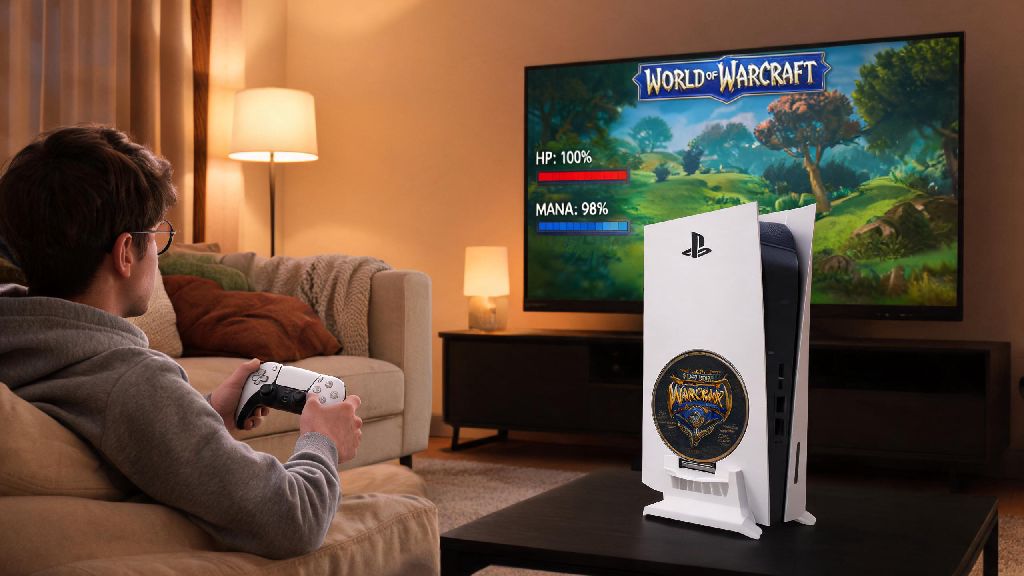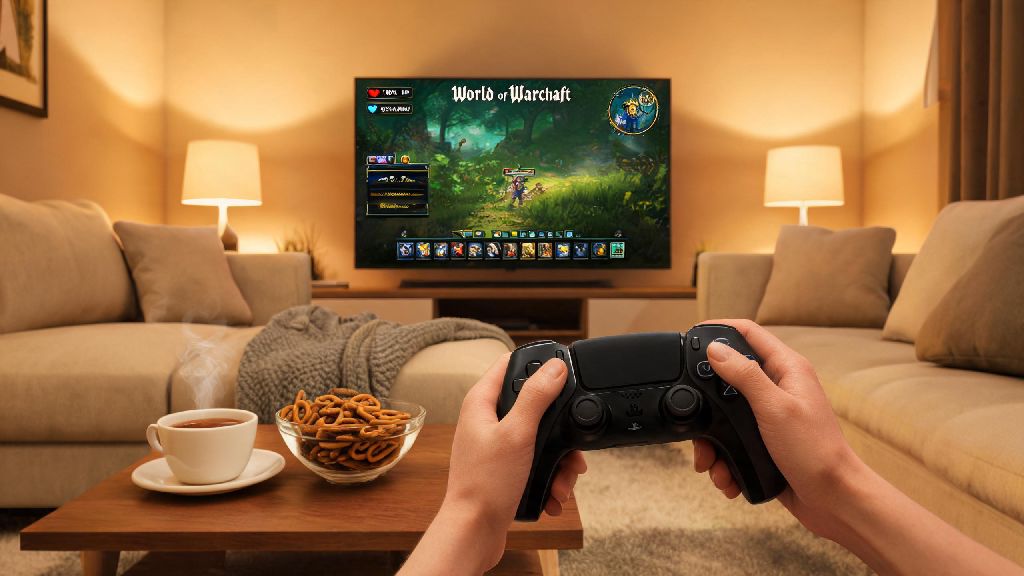
If you’re tired of hunching over your desk for four-hour raid nights, or you want to grind world quests from the comfort of your couch, you’ve probably wondered can world of warcraft be played with a controller. I’ve tested controller play across both retail WoW and Wrath of the Lich King Classic over the past year, switching between input methods depending on what content I’m running that day. I’m not here to tell you a controller is better than a mouse and keyboard for every scenario, but I will walk you through exactly what works, what doesn’t, and whether controller play is a good fit for how you enjoy the game.
Can World of Warcraft Be Played With a Controller Without Third-Party Tools?
The short answer is yes, but the out-of-the-box experience is extremely limited. Blizzard added partial native controller support back in the Shadowlands expansion, so you can plug in any modern Xbox, PlayStation, or Switch Pro controller and get basic movement working right away. You’ll be able to walk, jump, and interact with nearby NPCs without any extra setup, but that’s pretty much where the native functionality ends.
Blizzard built the native controller support as a foundation for add-on developers to build on, not as a full standalone solution. If you try to play without any add-ons or extra mapping software, you won’t be able to cast abilities, open your map, navigate menus, or switch targets without reaching for your keyboard anyway. I tried this bare-bones setup first when I got a new Xbox Series controller last year, and I could barely get through a single world quest before I gave up and looked for better options.
You don’t need any paid tools to make controller play work, but you will need to install a free community-made add-on to get access to all the game’s core features with a controller. The good news is these add-ons are widely used, regularly updated, and easy to set up even if you’ve never installed a WoW add-on before.
Step-by-Step Setup for Controller Play in WoW
The entire setup process takes less than 20 minutes if you follow these steps, and you won’t have to mess with complicated code or paid software. You can use any compatible controller, including third-party options like 8BitDo pads, as long as your PC recognizes it.
If you’re playing older versions of WoW Classic, the native controller support isn’t available for all game clients, so you may need to use a free third-party mapping tool like Steam Input alongside your add-on to get full functionality. Make sure to disable any other controller mapping software you have running for other games before you launch WoW, as conflicting inputs can cause unexpected glitches like stuck buttons or unresponsive movement.
I recommend spending 10 to 15 minutes testing small adjustments each time you change your setup. It’s better to tweak one thing at a time than to re-map your entire controller at once and get confused about where every ability is.
Best Add-Ons and Adjustments for Smooth Controller Gameplay
The right add-ons will make or break your controller play experience, so stick to these widely trusted options that have been tested by thousands of players. You don’t need more than two or three add-ons to get full functionality, and all of them are completely free.
ConsolePort is the most popular and full-featured controller add-on for WoW, no contest. It’s been around for years, has regular updates for new patches and expansions, and works for both retail and Classic versions of the game. It comes with pre-built profiles for every class and spec, so you don’t have to map every single ability from scratch. You can customize everything from how you target enemies to how you navigate your bags, and it even has a built-in radial menu for quick access to consumables, mounts, and toys.
Dynamic Cam is a great complement to ConsolePort, especially if you’re playing from the couch. It automatically adjusts your camera distance and angle based on what you’re doing, so you don’t have to fiddle with the right stick constantly while you’re in combat or exploring open-world zones. It will zoom in for cutscenes and quest interactions, then zoom back out automatically when you enter combat so you can see all nearby enemies.
If you have a larger TV or you sit far from your screen, adjust your UI scale to 1.2x or 1.5x so you can read quest text, ability cooldowns, and party frames without squinting. Most controller add-ons will automatically adjust UI elements for you, but it’s worth tweaking manually if something is hard to see from your seating position.
You can also set up modifier buttons, just like you would with shift/ctrl/alt on a keyboard, to access more abilities without cluttering your layout. For example, holding the left trigger can turn your A button from a basic attack to a healing cooldown, so you can fit 20+ abilities on a standard controller without overwhelming yourself. Don’t try to copy someone else’s controller profile exactly. Everyone’s playstyle is different, so if you use a specific cooldown way more often than the default profile expects, move it to a more accessible button. I used a pre-made profile for my Restoration Shaman for a week before I realized I was constantly missing my healing tide cooldown, so I moved it to a dedicated shoulder button and my performance improved instantly.
Pros and Cons of Playing WoW With a Controller, Plus Ideal Use Cases
Controller play isn’t for everyone, but it’s a fantastic option for a lot of players. Let’s break down the biggest advantages and downsides to help you decide if it’s worth trying.
The biggest pro by far is improved comfort for long play sessions. I used to get wrist pain after three hours of raiding with a keyboard and mouse, but switching to a controller for casual content cut that pain almost entirely. You can play from the couch, a recliner, or even a bed if you want, instead of being stuck at your desk. It’s also a huge win for accessibility: if you have mobility issues that make using a keyboard and mouse hard, controller support opens up WoW to you in a way that native controls never did. I know several players with RSI or hand injuries that still play WoW regularly thanks to customized controller setups.
Controller play is also far more intuitive for casual content like world quests, pet battles, or leveling alts. You don’t need super precise inputs for those activities, so a controller works just as well if not better than a mouse and keyboard for low-stakes grinding.
That said, there are some clear downsides. First, it’s not ideal for high-end competitive content. If you’re pushing 20+ keystone M+ dungeons or racing for world first raid clears, a mouse and keyboard will always give you faster, more precise inputs. You can do low to mid tier M+ and normal/heroic raids with a controller, but you’ll hit a ceiling eventually if you’re chasing the highest difficulty content. Second, there’s a steep learning curve if you’re used to keyboard and mouse. It took me almost two weeks of playing a few hours a day to get comfortable enough with my controller setup to run heroics without dying constantly. If you don’t have time to practice, it might feel more frustrating than fun at first. Third, menu navigation is still slower than with a mouse. Even with the best add-ons, scrolling through your bag, selling items, or adjusting settings takes longer with a controller than it does with a mouse click.
You don’t have to commit to only one input method. I switch between controller for casual grinding and mouse and keyboard for raid nights all the time, and the game works perfectly fine with both set up at the same time. It’s not an either/or choice, so you can pick whichever works best for the content you’re running that day.
At the end of the day, the answer to can world of warcraft be played with a controller is a resounding yes, as long as you’re willing to put in a little bit of setup time and adjust to a new way of playing. It’s not for everyone, especially if you’re focused on high-end competitive content, but for casual players, people with accessibility needs, or anyone who wants to play from the couch, it’s a total game-changer. Don’t be afraid to mess around with your setup until it feels right. The best part of controller play is how customizable it is, so you can tweak every part of it to fit exactly what you need. If you’ve been curious about trying it, there’s no better time to plug in your controller and give it a shot.