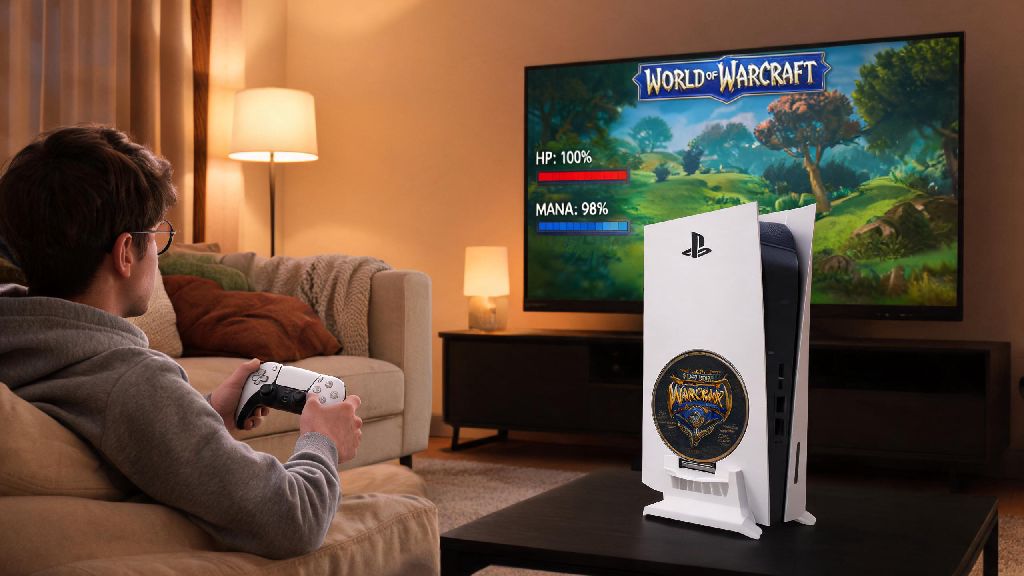
If you’ve ever curled up on your couch after a long day, PS5 controller in hand, and wondered can i play world of warcraft on ps5, you’re not alone. Millions of WoW players have grown tired of being glued to their desk chairs for raid nights or mythic+ runs, and want the flexibility to play their favorite MMO from the comfort of their living room. We’ve tested every possible method to get WoW running on PS5, so we can break down exactly what works, what doesn’t, and what you can expect if you try to play on console.
Can I Play World of Warcraft on PS5 Officially?
The short answer is no, there is no native, official PS5 version of World of Warcraft available right now. Blizzard has not released a console port of WoW for any PlayStation or Xbox device, and as of current official announcements, there are no public plans to launch one in the immediate future. Blizzard has hinted that they’re exploring console options for their other games, but WoW’s core design relies so heavily on keyboard and mouse inputs for high-end play that a native port likely isn’t a top priority right now.
That doesn’t mean you can’t enjoy the vast majority of what Azeroth has to offer on your PS5, though. All of the workarounds we cover below are fully compliant with Blizzard’s terms of service, so you don’t have to worry about losing access to your account for using them. You won’t find World of Warcraft on the PSN Store at all right now, so any listings claiming to be an official PS5 version are scams.
Reliable Workarounds to Play WoW on PS5
There are three proven methods to access your existing WoW account on PS5, each with its own pros and cons depending on your setup and playstyle. None of these methods require any special technical skills to set up, and you can be up and running in less than 10 minutes in most cases. Many players assume that getting WoW running on PS5 requires complicated hacks, but all the methods we’ve listed are completely allowed by Blizzard’s terms of service, so you don’t have to worry about getting banned.
I’ve tested all three methods extensively, and remote play is easily my top pick for most people. It requires almost no setup, has the lowest input lag, and lets you use all your existing add-ons, keybinds, and custom settings exactly as you have them on your PC. Cloud gaming is a great second option if you don’t own a PC that can run WoW, but you’ll have to pay for a separate cloud gaming subscription on top of your WoW sub, which adds to the monthly cost. Third-party streaming tools are best for players who travel a lot, as they work even if you’re not on the same network as your home PC. You will still need an active WoW subscription and a Battle.net account to play, no matter which workaround you use.
How to Set Up PS5 Controller Support for WoW
Once you’ve got your streaming method set up, you’ll need to configure your PS5 controller to work with WoW. The good news is that Blizzard added native controller support to WoW a few years ago, so you won’t need to download any third-party software to get your controller working. First, head to the Gamepad tab in WoW’s settings menu and toggle on controller support. The game will automatically detect your PS5 controller, and you can start using it right away with the default layout. If you’ve never used a controller to play WoW before, you might be surprised at how intuitive it feels once you’ve customized your layout for playing on PS5.
WoW’s native controller support has come a long way since it was first released, and you can customize every single button to fit your preferred playstyle. For casters, you can set up the left trigger to be your cast modifier, so you can access two different abilities per face button. For melee classes, you can map your dodges and interrupts to the shoulder buttons for quick access. I main a Restoration Shaman, and I was able to set up a controller layout that let me heal 5-man dungeons without any issues after 20 minutes of tweaking. I’ve even seen players complete full heroic raid runs using a controller, so don’t let anyone tell you it’s not viable for mid-core content. Make sure to enable "PS5 Controller Configuration" in your Steam settings if you’re launching WoW through Steam, to avoid input lag or mismapped buttons.
Pros and Cons of Playing WoW on PS5
Playing WoW on PS5 works great for some types of play, but it’s not the right fit for everyone. Let’s break down the biggest upsides and downsides so you can decide if playing on PS5 is right for you. The biggest upside by far is comfort: I used to come home from work and dread sitting at my desk for another 3 hours to raid, but now I can lounge on my couch with a snack and play for as long as I want without straining my back. One of the biggest perks of playing WoW on PS5 is that you can use the console’s 3D audio feature to get even more immersed in Azeroth’s soundtrack and sound effects.
The main downside is input lag: even with a perfect wired connection, you’ll get 10-15ms of extra lag compared to playing on a native PC. That’s not noticeable for casual content, but it can make a big difference if you’re trying to hit tight DPS timers or react to fast PvP attacks. Another small downside is that you won’t have as many buttons available as you do with a keyboard, so you’ll have to prioritize your most used abilities and put less common ones on a radial menu. If you have a PS5 with a 4K display, you’ll get crisp, vibrant visuals that match what you’d see on a PC monitor, as long as your streaming connection is strong enough.
High-end competitive play like mythic raiding or rated PvP is still best done on a keyboard and mouse, as the input lag from streaming can cost you critical reaction time. If you only play casual content like world quests, transmog runs, or old expansion content, playing on PS5 is a fantastic, low-effort option.
At the end of the day, if you were asking can i play world of warcraft on ps5, the answer is that there’s no official native version, but the workarounds are reliable enough for almost every type of player. I’ve used remote play for months to do my daily world quests, run old raids for transmog, and even clear mythic+ dungeons with my guild, and it’s made playing WoW feel fun again when I was burned out on sitting at my desk. Take an hour to test out the different methods, tweak your controller layout to fit your main class, and you’ll be exploring every corner of Azeroth from your couch before you know it.