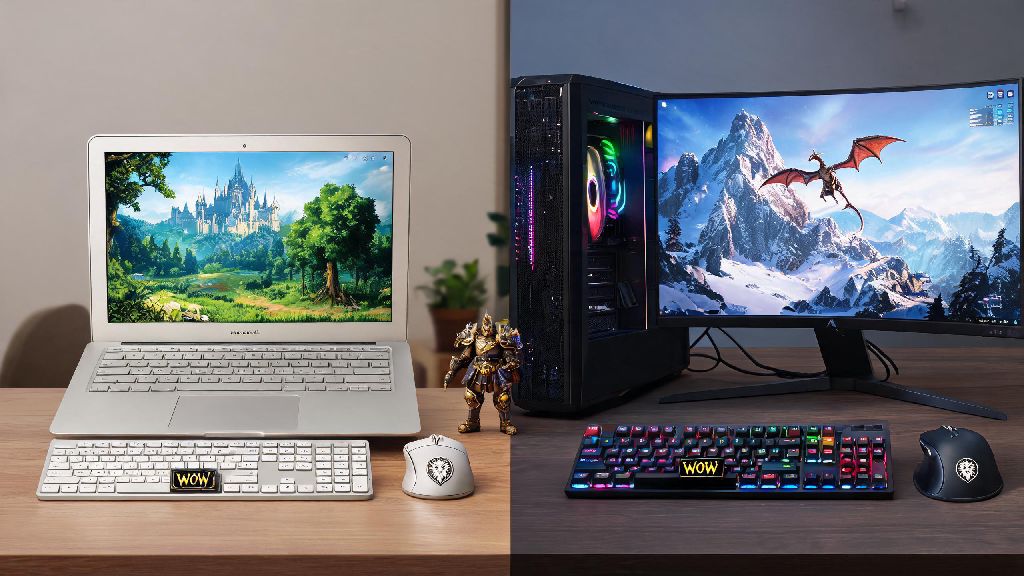
If you just dug up an old college laptop, bought a budget prebuilt, or are considering coming back to WoW after a few years away, the first question you probably have is can i run it world of warcraft. I’ve tested WoW on everything from a 2015 MacBook Air to a custom $2000 gaming rig, so I know first-hand how forgiving (and occasionally finicky) the game’s engine can be. A lot of online specs guides mix up requirements for Classic and Retail, or use outdated info from 5+ year old expansions, so we’re breaking down exactly what you need to get a playable experience, plus easy fixes if your hardware is on the edge of the official requirements.
Can I Run It World of Warcraft: Minimum vs Recommended Specs Breakdown
First, it’s important to note that all specs below apply to the latest Retail WoW expansion, currently The War Within. Classic WoW and older expansion servers have far lower requirements, which we’ll note later in this guide. The official minimum specs are set by Blizzard to give players a baseline playable experience, but that doesn’t mean you’ll get smooth performance in all parts of the game.
Minimum specs are only intended for casual open-world questing at 720p/30FPS, and will struggle in crowded cities or 20+ man raids. The current minimum requirements include a 4-core CPU from 2015 or later (Intel Core i5-6600K or AMD Ryzen 5 1400), 8GB of RAM, a GPU with 2GB of VRAM (NVIDIA GeForce GTX 960 or AMD Radeon R9 280), and 100GB of free SSD storage. If you only meet these specs, you’ll need to keep all settings on low, and you’ll still see stutters in Orgrimmar, Stormwind, or large raid fights.
The recommended specs are for 1080p/60FPS on medium-high settings across all game content, including crowded raids and PvP battlegrounds. These require a 6-core CPU from 2019 or later (Intel Core i7-8700K or AMD Ryzen 7 3700X), 16GB of RAM, a GPU with 8GB of VRAM (NVIDIA GeForce RTX 2060 or AMD Radeon RX 5700 XT), and 100GB of free SSD storage. Classic WoW servers have roughly 50% lower hardware requirements than Retail, so even 10-year-old laptops can run Classic with no issues.
How WoW’s Engine Impacts Performance on Different Hardware
One of the biggest misconceptions new players have is that they need a fancy, expensive GPU to run WoW well. That’s not true for most players, because WoW’s engine is far more CPU-bound than GPU-bound, especially in crowded areas. The engine prioritizes single-core CPU speed over all other hardware specs, because it was originally designed in the early 2000s when multi-core CPUs were rare.
Single-core CPU speed matters far more for WoW performance than multi-core counts or high-end GPUs. If you have a fast 4-core CPU with a 3.5GHz+ clock speed paired with a mid-tier GPU, you’ll get far better performance in raids and cities than someone with a slow 8-core CPU paired with a top-of-the-line RTX 4090. This is why a lot of players are confused when their new high-end GPU doesn’t fix their stuttering issues in crowded content — the problem is almost always their CPU, not their GPU.
Storage also makes a bigger difference than most people realize. If you run WoW off a traditional HDD instead of an SSD, you’ll see 2-3x longer load times, frequent pop-in of textures and NPCs, and occasional stutters when you enter new zones. Even a cheap $30 SATA SSD will cut load times in half and eliminate most texture pop-in, so that’s one of the cheapest upgrades you can make if you’re currently running the game off an HDD.
Easy Tweaks to Run WoW Smoothly on Low-End Hardware
If your specs are just below the official minimum, or you’re seeing stutters even if you meet the recommended specs, these simple, no-cost tweaks can boost your FPS by 20-40% without ruining your gameplay experience. You don’t need to mess with complicated config file edits or third-party tools — all these changes can be made directly in the game’s settings menu.
One thing you never want to do is lower your spell effect settings below 5, even if it gives you a big FPS boost. Spell effects show critical boss mechanics in raids and dungeons, so lowering them too much can make you miss important tells that get you and your entire group killed. If you have to choose between lower view distance and lower spell effects, always pick lower view distance first.
Spec Requirements for High-End WoW Play (4K, 144FPS, Raiding)
If you’re a high-end player looking to run WoW at 4K resolution, 144FPS for competitive rated PvP, or stream your gameplay while raiding, you’ll need higher specs than the official recommended list. The good news is that WoW doesn’t require nearly as much high-end hardware as most new AAA games, so you don’t have to drop thousands of dollars on a top-tier rig to get great performance.
For 4K/60FPS on max settings across all content, you’ll need a 6-core CPU with a 4GHz+ clock speed, 16GB of RAM, and a GPU with 8GB of VRAM (NVIDIA RTX 3070 or AMD RX 6800). WoW doesn’t benefit much from GPUs higher than the 3070/6800 tier even at 4K, so there’s no reason to splurge on a $1500 flagship GPU just for this game.
For 1080p/144FPS for competitive mythic raiding or rated PvP, you’ll need a 6-core CPU with a 4.5GHz+ clock speed, 16GB of RAM, and a mid-tier GPU with 6GB of VRAM (NVIDIA RTX 3060 or AMD RX 6600). If you plan to participate in high-end mythic raiding or rated PvP, aim for a stable 60FPS minimum to avoid missing critical mechanics that can wipe your entire group. If you’re streaming while playing, add an extra 8GB of RAM and a 2 extra CPU cores to avoid dropped frames in both the game and your stream.
At the end of the day, if you’re asking can i run it world of warcraft, the answer is almost always yes, unless your hardware is more than 10 years old. Blizzard has always prioritized accessibility for WoW, so the game is designed to run on as many different systems as possible. Even if you don’t meet the official minimum specs, the tweaks we outlined can help you get a playable experience for questing, casual dungeons, and even Classic servers. If you’re looking to upgrade your rig specifically for WoW, prioritize a fast single-core CPU first, then extra RAM, then an SSD, before you splurge on a new GPU. That way you’ll get the best performance for your money, no matter what type of content you like to play.