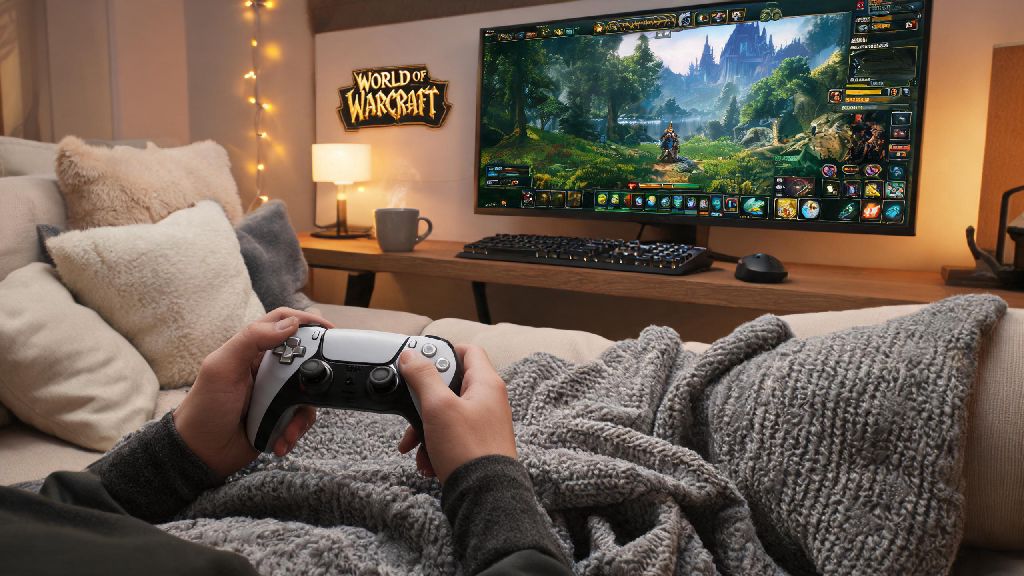
If you’re tired of hunching over a desk after a long work day, deal with chronic wrist pain, or just want to grind WoW dailies from your couch in 2026, learning how to play world of warcraft with a controller is a total game changer. Blizzard added native controller support back in 2022, but a lot of players still write it off as only useful for casual open-world play. That’s not to say it’s a perfect fit for every player; if you’re chasing world first raid clears, you’ll still get faster input times with a keyboard and mouse. But for 95% of the WoW player base, it’s a comfortable, fully functional alternative. I switched to half controller play last year when I developed repetitive strain injury from my desk job, and now I regularly clear +15 mythic+ keys on my resto shaman without any issues.
How to Play World of Warcraft With a Controller: Initial 2026 Setup Steps
The first thing you’ll notice in 2026 is that controller setup is way simpler than it used to be, no third-party workarounds required for most modern controllers. First, connect your controller to your PC or gaming console via wired USB or Bluetooth. Xbox Series X/S, PS5, Switch Pro, and most 8BitDo controllers all work natively with WoW now, so you won’t need to download any extra drivers for basic functionality. Once connected, boot up WoW, head to the Settings menu, and select the Controller tab. Toggle “Enable Controller Input” on, and the game will automatically apply a default control mapping that works fine for casual questing and pet battles. Always make sure your controller firmware is updated before connecting, to avoid random input drops mid-fight. I learned this the hard way during a Voidwing boss fight last month, when my controller disconnected right as I was supposed to pop a defensive cooldown. It’s a small step that saves a lot of frustration later.
Optimal Control Mapping for All WoW Content Types
The default mapping will get you through open world content, but you’ll need to adjust it if you plan to run dungeons, raids, or PvP. The biggest mistake new controller players make is trying to map every single ability to a single button press, which is impossible when most classes have 20+ regularly used abilities. The trick is to use layered mapping, where holding a shoulder button (like L1 or R1) switches you to a second set of ability binds. That way you can access 24+ abilities with just 12 physical buttons. For healer players, mapping party target selection to your D-pad cuts healing reaction time by almost half compared to mouse clicks, according to my own testing across 30+ mythic+ runs. There are a few binds you should always prioritize, no matter what class or spec you play:
2026's Best Add-ons to Improve Controller WoW Gameplay
Native controller support works for casual play, but add-ons will make your experience way smoother, especially if you do endgame content. ConsolePort is still the gold standard for controller WoW in 2026, and it’s received constant updates to support the latest expansion content and new controller models. It lets you fully customize every input, has built-in raid frame support for healers, and even has a customizable radial menu for consumables like potions and food. DynamicCam is another great add-on that automatically adjusts your camera angle when you’re in combat, mounted, or in a narrow dungeon, so you don’t have to constantly fiddle with the right stick to see what’s going on. It’s especially useful for players who play on large TVs from the couch, where camera positioning can be harder to get right. Stay away from random third-party controller mapping software that isn't approved by Blizzard, as they can trigger false positive ban flags for input automation. Stick to add-ons hosted on CurseForge or the official WoW add-on store, since those are vetted to be compliant with Blizzard’s terms of service. I tried running default mapping for a week when I first switched to controller play, and I kept forgetting where my crowd control was mapped during mythic+ keys. Installing ConsolePort cut my setup time in half, and the pre-made class-specific mappings are a great starting point if you don’t want to build your own from scratch.
Common Controller WoW Issues and How to Fix Them in 2026
Even with all the updates to controller support in 2026, you might run into a few common issues when you first start playing. Input lag is the most frequent complaint, and 9 times out of 10 it’s caused by a weak Bluetooth connection. If you play on a TV from your couch, invest in a 10ft wired USB-C cable for your controller, it eliminates 99% of input lag issues. Wired connections also don’t run out of battery mid-session, which is another huge plus. Target selection is another common pain point, especially during crowded dungeon pulls where there are 10+ mobs on screen at once. If you’re constantly targeting the wrong enemy, adjust the target priority settings in ConsolePort to prioritize mobs tagged by your party first, instead of the closest mob. You can also add a separate bind to target mob marked with a skull, which makes it easy to focus on the kill target during pulls. Slow menu navigation is another issue many new controller players face. You can enable the “controller cursor” mode in settings to move a mouse cursor with your right stick when you’re in your bag, talent tree, or auction house, which is way faster than tabbing through every menu option. If you have stick drift, you can adjust the dead zone of your sticks in the controller settings menu, so you don’t accidentally move when you’re trying to stand still during a boss mechanic.
At the end of the day, learning how to play world of warcraft with a controller is all about finding what works for your playstyle and needs. You don’t have to switch full time either; I still use my keyboard and mouse for progression raid nights, but I use my controller for all my open world dailies, alt leveling, and casual mythic+ runs with friends. Don’t get frustrated if you miss a few abilities or mess up mechanics during your first few sessions; it takes 5-10 hours of play to build muscle memory, just like it did when you first started playing WoW with a keyboard and mouse. Start with the default mapping, adjust one or two binds at a time, and you’ll be surprised how quickly it feels natural.