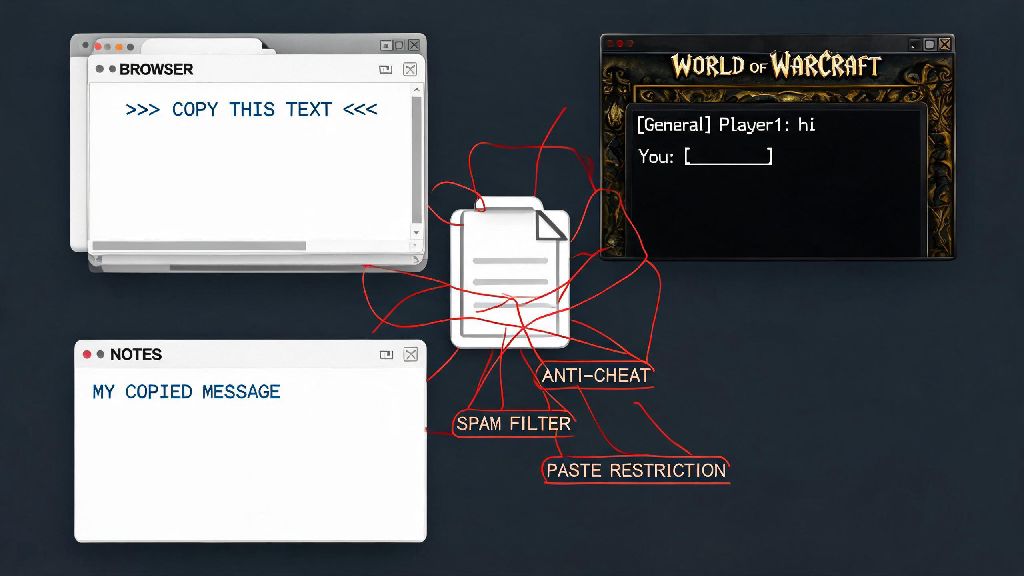
If you’ve ever tried to share a long guild raid schedule, paste a pre-written macro, or send a friend a complex WeakAura string in WoW, you’ve probably run into confusion around how to paste in World of Warcraft without hitting weird blocks. Most new players assume copy-paste works the same way it does on every other desktop app, but WoW has a few unique restrictions tied to its anti-cheat and chat spam prevention systems that can throw you off at first. This guide breaks down every valid way to paste content in the game, fixes for common errors, and pro tricks to save you time when you’re moving text between your browser, notes app, and WoW client.
How to Paste in World of Warcraft for In-Game Chat and Guild Tools
The basic paste process for most in-game fields is simpler than many players make it out to be, as long as you’re using the right input field. First, copy the text you want to use from an external source, like a WoW guide website, your notes app, or a message from a friend. Tab back into WoW, click on the input field you want to paste into (this can be the chat box, guild note field, macro editor, or addon import window), then use Ctrl+V (Windows) or Cmd+V (Mac) to drop the text into the field. If you’re following a guide online for how to paste in World of Warcraft for macro creation, you’ll usually find that most shared macros are already formatted for plain text to avoid errors.
Not all in-game fields support pasting, though. You won’t be able to paste text into password prompts, character creation name fields, or in-game purchase forms, for example, as a security measure to prevent automated account takeovers or fraud. Public chat channels also have strict character limits of 255 characters per message, so any pasted content longer than that will be automatically cut off mid-sentence. Never paste random strings from untrusted sources into any WoW input field, even if someone claims it’s a free mount code or a secret damage boost macro, as these can be malicious.
Fixes for Common Paste Errors in WoW
Most paste failures in WoW come down to a small set of easy-to-fix issues, so you don’t need to reinstall the game or reset your UI every time it stops working. The most common issue is anti-cheat restrictions during active combat, Blizzard blocks all third-party input including paste functions when you’re in combat to prevent botting and automated play, so you’ll have to wait until you’re out of combat to paste any content. Many of the most common issues people face when learning how to paste in World of Warcraft come from not accounting for these small, unadvertised restrictions.
Another frequent issue is formatted clipboard data. If you copy text from a website that has bold, colored, or styled text, WoW’s plain text input fields won’t recognize the formatting and will reject the paste entirely. To fix this, paste the text into a plain text editor like Notepad or TextEdit first to strip all formatting, then recopy the plain text to paste into WoW. Lots of players take quick breaks between raid pulls or queue pops to mess around on casual web games to kill time, and copying links or reward codes from these games to share with guildmates is a common use for paste. If you’re grabbing a bonus code from Slots Spin to send to your guild’s casual game night chat, make sure you strip any extra formatting from the code before you copy it to avoid paste failures when you get back to WoW.
If paste still isn’t working, try restarting your WoW client. Occasionally the game’s clipboard integration glitches after you’ve had the client open for 10+ hours, and a quick restart will fix the issue entirely. You can also check your keybind settings to make sure you didn’t accidentally overwrite the default paste keybind with another in-game action, like a class ability or mount hotkey.
Advanced Paste Tricks for WoW Macros and Custom Content
Paste isn’t just for sharing memes in guild chat — it’s one of the most powerful quality of life tools for customizing your WoW UI and gameplay. Macro editor paste limits are more generous than chat limits, with general macros allowing up to 255 characters and character-specific macros allowing up to 1024 characters. This lets you paste entire pre-written utility or combat macros instead of typing them out line by line, which cuts down on setup time drastically when you’re trying a new class build or swapping roles. If you’re new to learning how to paste in World of Warcraft for custom content, start with small, simple macros first to get the hang of the character limits.
You can also paste entire profile strings for popular addons like ElvUI, Details! Damage Meter, Deadly Boss Mods, and WeakAuras directly into the addon’s import window. These strings can be thousands of characters long, and pasting them lets you copy an entire pre-built UI or raid setup in seconds instead of spending hours adjusting settings manually. To make the most of these paste functions, keep these pro tips in mind:
Important Safety Rules for Pasting Content in WoW
While paste is a convenient tool, it also comes with real security risks if you don’t use it carefully. Never paste strings or macros from users you don’t trust, even if they’re shared in a popular community discord or guild chat. Malicious macros can be written to automatically send all your gold and valuable items to another player, delete all your gear, or even spam inappropriate content in public chat that can get your account permanently banned. If someone sends you an unexpected macro or import string, ask for a screenshot of what it’s supposed to do first, or cross-check it with a trusted WoW guide site before pasting it into your client.
You also should never paste any personal information, including your email, password, billing address, or account recovery codes, into any WoW input field. Blizzard will never ask you for this information in-game, even if someone messages you claiming to be a GM or support agent. If you get a request for this type of information, report the user immediately and ignore the message.
Finally, if you accidentally paste a malicious string into your macro editor or chat box, don’t hit enter or save the macro. Close the window immediately, then clear your clipboard by copying a random piece of plain text to make sure the malicious string doesn’t get pasted again by accident. You can also run a quick scan of your device to make sure you didn’t download any hidden malware from the source of the string.
Pasting content into WoW doesn’t have to be a frustrating process once you learn the game’s unique limits and workarounds. Whether you’re sharing a funny meme with your guild, importing a new raid UI profile, or setting up a batch of new healing macros, knowing how to paste in World of Warcraft correctly will save you hours of unnecessary typing and hassle. Just stick to the safety rules, test all pasted content before using it, and you’ll be able to move text between your device and the game seamlessly every time.