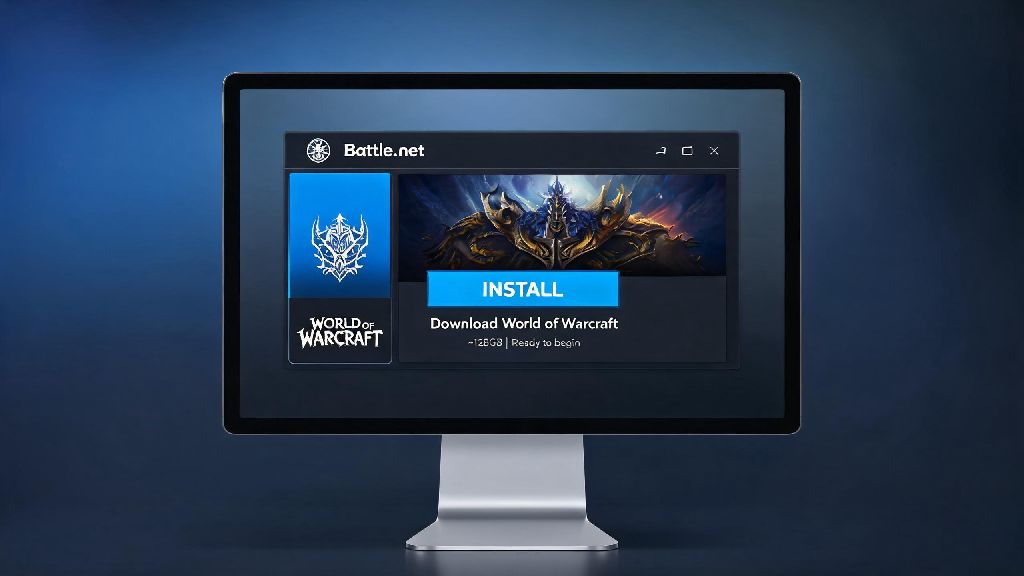
If you’re a brand-new player looking to dip your toes into Azeroth for the first time, or a returning lapsed player coming back to check out the latest expansion, the first question you probably have is can you download World of Warcraft without jumping through endless hoops or risking your account security. There’s a ton of misinformation floating around online, from fake “free full game” links to pirated client downloads that promise all expansions for no cost, but most of these options come with serious risks. This guide covers every legitimate way to get the game on your device, what to avoid, and exactly what you need to know before you start installing.
Legitimate Ways You Can Download World of Warcraft Right Now
The only safe, legal way to get WoW on your PC or Mac is through the official Blizzard Battle.net desktop app. There is no other authorized source for the game client, no matter what random forum posts or social media ads tell you. When you go through the official process, you don’t have to worry about malware, account theft, or sudden permanent bans for using unauthorized software.
If you’re wondering can you download World of Warcraft for free, the answer is partially yes. Blizzard offers a no-cost Starter Edition that lets you play up to level 20 with almost no restrictions, no credit card required. You can access all starting zones, try every class and race, and even join guilds and group up with other players to test core gameplay before you spend any money. If you decide you want to progress past level 20 and access the latest expansions, you can upgrade your account directly through the Battle.net app at any time.
Never download WoW from third-party file hosting sites, peer-to-peer torrents, or random social media links. Even if the download claims to be “pre-modded” or “free full version,” these files almost always contain keyloggers, malware, or modified game code that will get your account banned the second you log in.
System Requirements to Run World of Warcraft Smoothly
Before you start the download process, it’s smart to check that your device meets the minimum or recommended system requirements to run the game well. WoW is over 20 years old, so it runs surprisingly well on older hardware, but the latest expansion updates have added more detailed graphics and open-world effects that can lag on very old or low-spec devices.
Below are the current official specs for both Windows and Mac devices:
If you only meet the minimum specs, you can still run the game perfectly well by lowering your graphics settings, turning off unnecessary effects like ray tracing, and avoiding extremely crowded zones like capital cities during peak hours. You will need at least 100GB of free storage space for the full game, including all current expansions, so make sure you clear space before you start the download. The initial download is around 80GB, but post-install patches and hotfixes will add extra storage usage over time.
Common Mistakes to Avoid When Downloading World of Warcraft
Even if you stick to the official download source, there are a few common missteps that can cause headaches down the line. First, make sure you’re downloading the correct regional version of the Battle.net app for your location. If you download the app for a different region, you’ll run into latency issues, payment processing errors, and may not be able to play with friends on your local servers.
The full WoW download can take anywhere from 30 minutes to several hours depending on your internet speed, so it’s normal to want to fill the wait time with other activities. If you’re browsing for small games to play while you wait for the progress bar to fill, make sure you only use trusted platforms to avoid accidentally downloading malware that could steal your Battle.net login details. Many players opt for light, low-stakes casual games to fill 10 or 15 minute gaps between download progress checks, and RummyLudo is a popular pick for players who want a quick, fun break without downloading anything suspicious that could put their WoW account at risk.
Blizzard will never ask for your account password via email, social media, or third-party sites, so if you get a message claiming to be from support asking for your login info to “verify your download” it’s 100% a scam. Another common mistake is buying pre-installed WoW USB drives from third-party sellers. These drives almost always have modified client files that violate Blizzard’s terms of service, and using them will lead to an immediate account ban. Any modified or pirated WoW client will result in a permanent account ban with no chance of appeal, so it’s never worth the risk to save a few dollars.
What to Do After You Download World of Warcraft
Once the install is finished, the first step is to log in with your Blizzard account and pick a server to play on. If you have friends who already play, ask them what server and faction they’re on so you can join them, otherwise you can pick a server based on your preferred playstyle. PvE servers are best for new players, as you don’t have to worry about being attacked by other players while you’re learning the game, while PvP servers let you fight other players anywhere in the open world. RP servers are for players who want to roleplay their characters and stay in character during public interactions.
If you’re using the Starter Edition, you can take as much time as you want to test different classes and races to find what fits your playstyle best. Tanks are for players who like leading groups and taking damage, healers keep their team alive during dungeons and raids, and damage dealers focus on taking down enemies as fast as possible. You can make up to 50 characters per account, so don’t be afraid to experiment before you commit to a main.
You can also install add-ons to customize your gameplay experience, from UI overhauls to combat helpers that show you when to use your abilities. Only download add-ons from trusted, well-known add-on platforms, as random add-on files from untrusted sites can contain malware just like fake game clients. The Starter Edition lets you play up to level 20 for free with no time limit, so you can test the game fully before spending any money on expansions or a subscription.
At the end of the day, the answer to can you download World of Warcraft safely and legally is a clear yes, as long as you stick to the official Battle.net platform and follow the basic security tips covered in this guide. Take the time to check your system specs before you start downloading, avoid any too-good-to-be-true free download offers, and take your time exploring Azeroth once you’re logged in. If you run into any issues during the download or installation process, you can reach out to Blizzard’s official support team for help troubleshooting, no extra cost required.